
Dream 4 / Academy

Curriculum for the people who keep school running.

Dream helps K–12 teams manage their assets and support work. Academy empowers the people doing that work, with practical learning and expert guidance for everyone from classroom teachers to IT and support staff.

Learning Hub access is free. No platform upgrade needed.

Dream Academy overview showing available learning paths and courses
Self-paced, on your schedule Teachers to IT staff Free with Dream
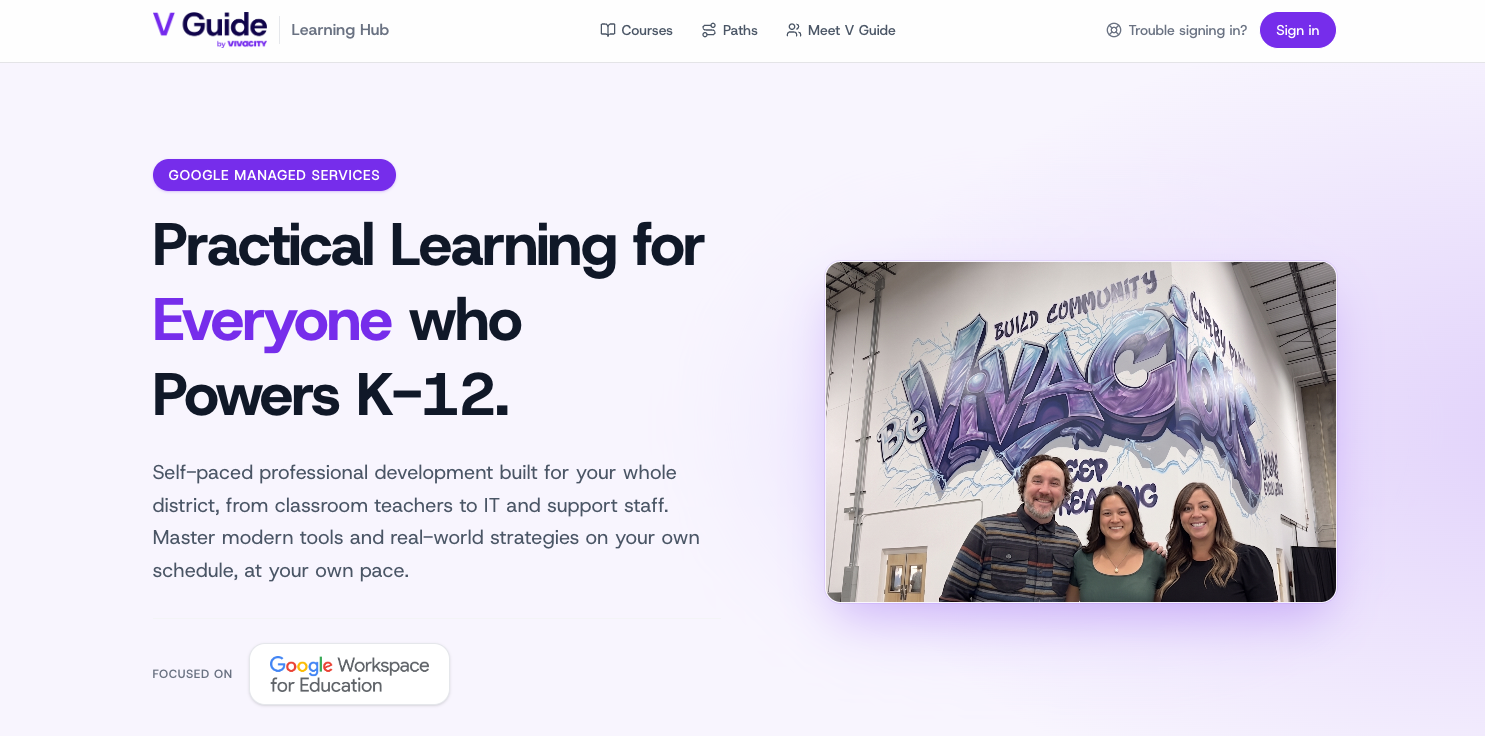
Vivacity Learning Hub with self-paced courses for district staff
V Guide by Vivacity

Learning for the entire district

Build your district’s skills with V Guide. Explore practical, self-paced courses for every role, from classroom teachers to IT and support staff, through the Learning Hub. Learn modern tools and real-world strategies on your own schedule, with V Guide’s expert guidance available when your team wants extra support.

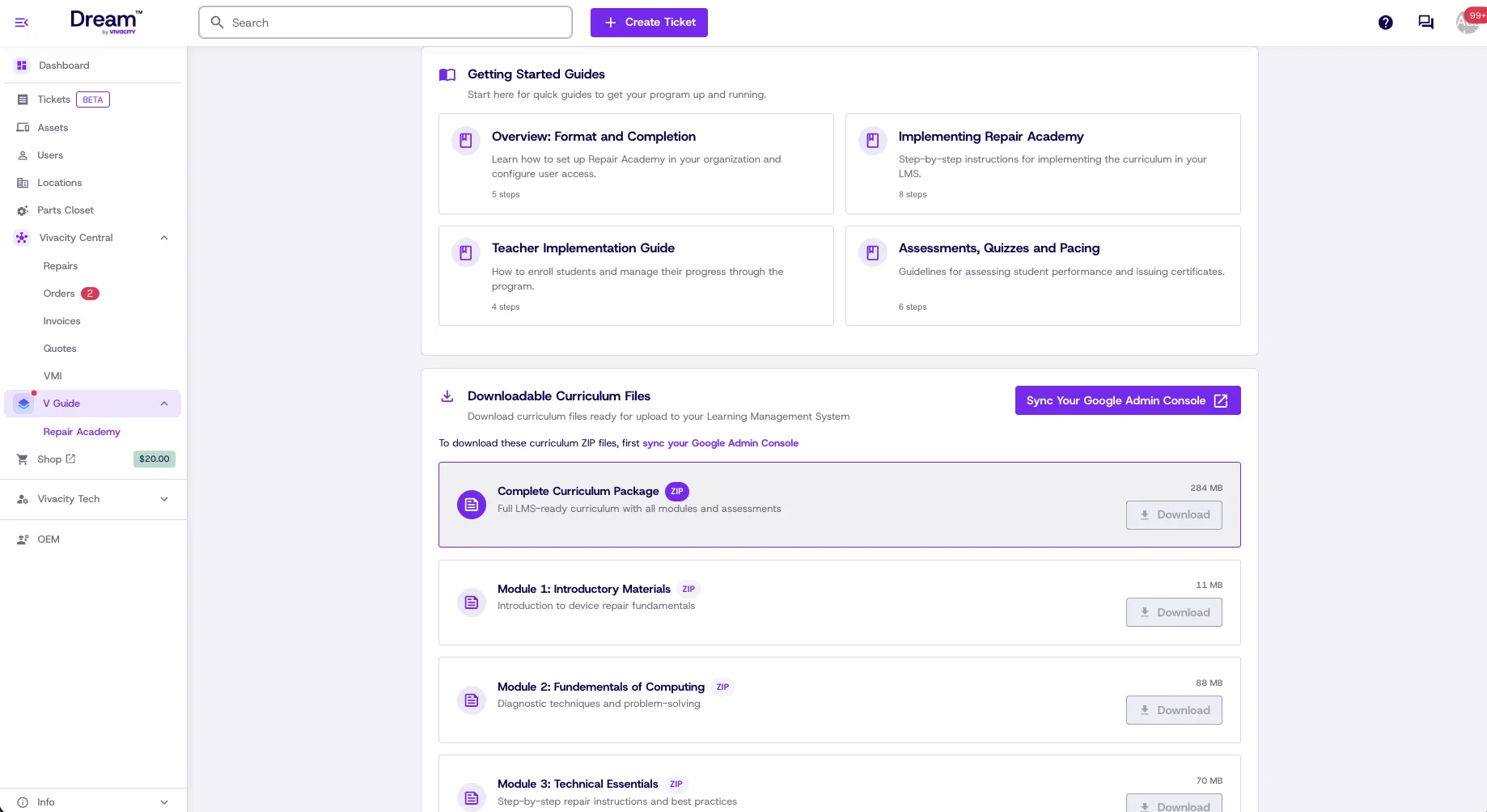
Repair Academy lessons teaching hands-on Chromebook repair

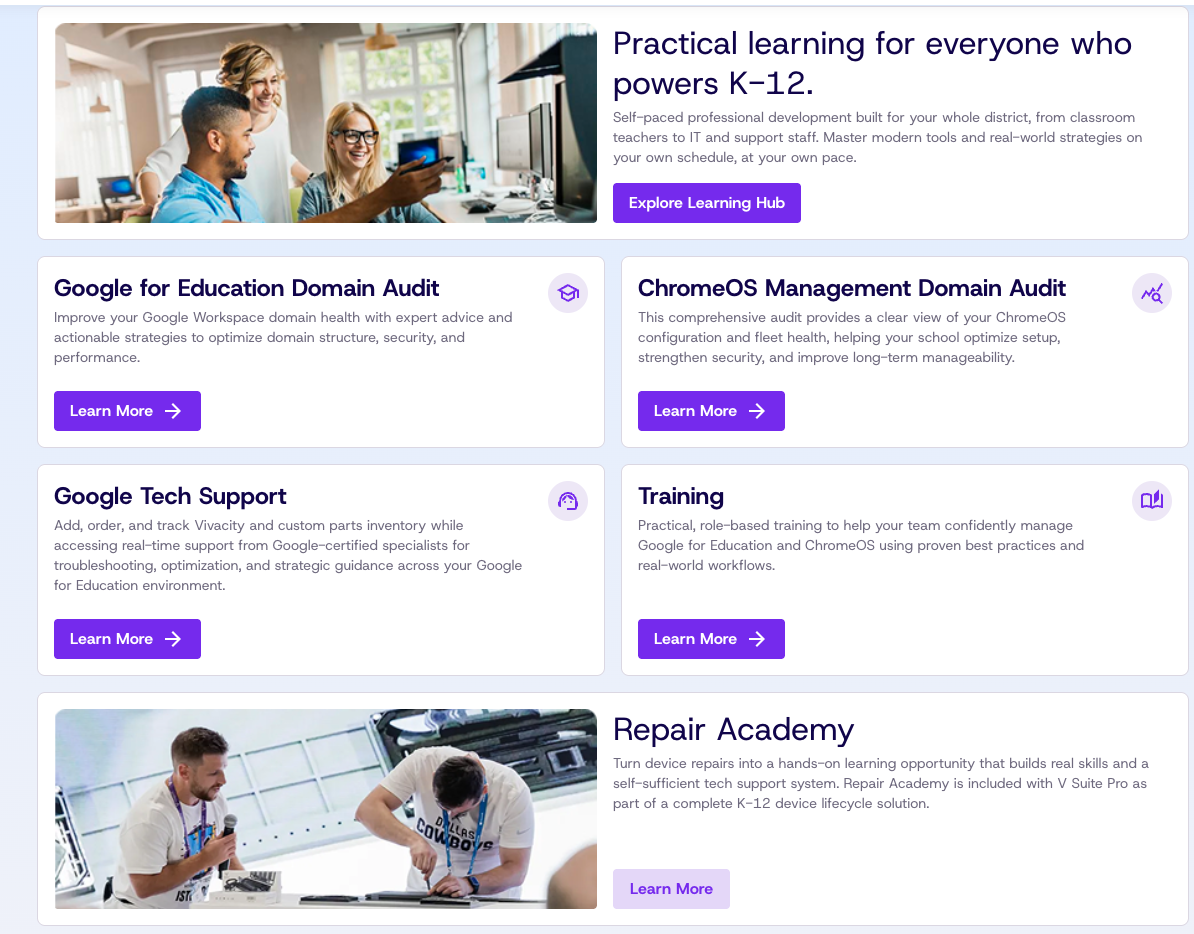
Repair Academy

Hands-on repair skills that help your team become self-sufficient in tech support. Repair Academy is included with V Suite Pro as part of Vivacity's K–12 device lifecycle solution.

Expert services

Expert guidance, when you want it

Certified Google specialists can audit, support and train alongside your team. These services are optional and priced separately. Dream and the Learning Hub stay free either way.

Google for Education Domain Audit

A full review of your domain structure, security and performance, so you know exactly what to tune and why.

  • Timeline4–6 weeks, including report and consultation
  • InvestmentStarting at $4,500
What's included
  • Environment audit of your OU architecture, plus Core, Non-core and Classroom service settings
  • Security review of third-party apps, ChromeOS settings and compliance posture
  • A prioritized findings report your team can act on
  • A 90-minute consultation with a certified Google Workspace Administrator

Request consultation

ChromeOS Management Domain Audit

A focused look at fleet health and configuration, from device policy to the apps your students rely on.

  • Timeline4–6 weeks, including report and consultation
  • InvestmentStarting at $3,500
What's included
  • Review of User, Device, Managed Guest, and App and Extension settings
  • Device metrics and how current policies affect them
  • A findings report with clear recommendations
  • A 90-minute consultation with a certified ChromeOS Administrator
Request consultation

Google Tech Support

Google-certified troubleshooting for Workspace, ChromeOS and the Admin Console, on hand when you need a second set of expert eyes.

  • Format10-hour block, usable within 12 months
  • InvestmentStarting at $3,000
What's included
  • Google priority escalation
  • 4-hour SLA during business hours
  • Configuration and security guidance
  • Dedicated support from certified specialists
Request consultation

Training

Role-based, real-world training on Google for Education and ChromeOS, shaped around the work your people actually do.

  • 1-hour virtual session$1,250
  • 3-hour virtual session$3,500
  • InvestmentChoose 1 or 3 hours
Session topics
  • Admin setup
  • Best practices
  • Practical application
  • Strategic walkthroughs
Request consultation
Portrait of Kendal Shomura

Meet your expert V Guide

Kendal Shomura

Google Services Program Leader

A former teacher and experienced Google Admin, Kendal has supported school districts since 2018 with audits, configurations, deployments and day-to-day guidance. That experience spans both the classroom and the Admin Console.

kshomura@vivacitytech.com

“Not sure which service fits our district?”

Tell us what you're working on and a Vivacity specialist will help you choose between an audit, a support block or a training session. Or start with the free Learning Hub and come back when you're ready.

Discuss services

Keep learning. Keep leading.

Explore Learning Hub

Free, self-paced and open to your whole team.